CLINIC WORKFLOWS

Lab & Task Coordination

Organized Teams. Timely Results. Zero Missed Follow-ups.
Behind every successful clinic is a team that runs on clarity and coordination. Hypha brings structure to your internal workflows—from lab orders to task tracking—so nothing slips through the cracks.

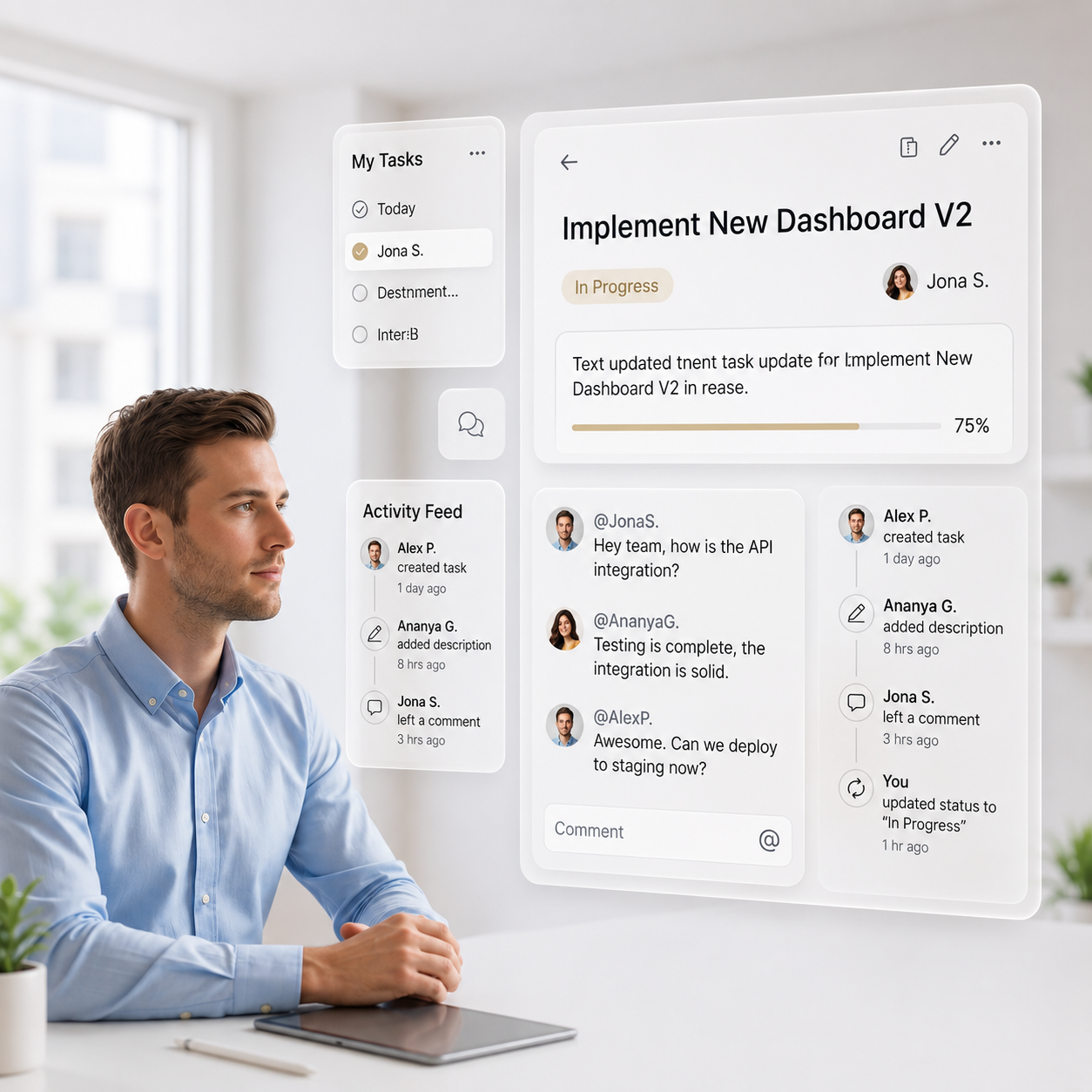
Assign tasks, track lab updates, monitor progress, and create repeatable checklists for clinical and admin routines. Whether you’re coordinating with vendors or managing internal teams, Hypha gives you a shared space to plan, execute, and complete work with accountability.
Key features

Why Clinics Rely on Hypha to Keep Workflows in Motion

Create, assign, and track lab orders without manual registers or calls.
Use task boards to manage daily operations and clinic checklists.
Build reusable workflows to standardize recurring processes.
Track vendor updates and lab order progress in real time.
Assign priorities, deadlines, and responsibilities for every task.

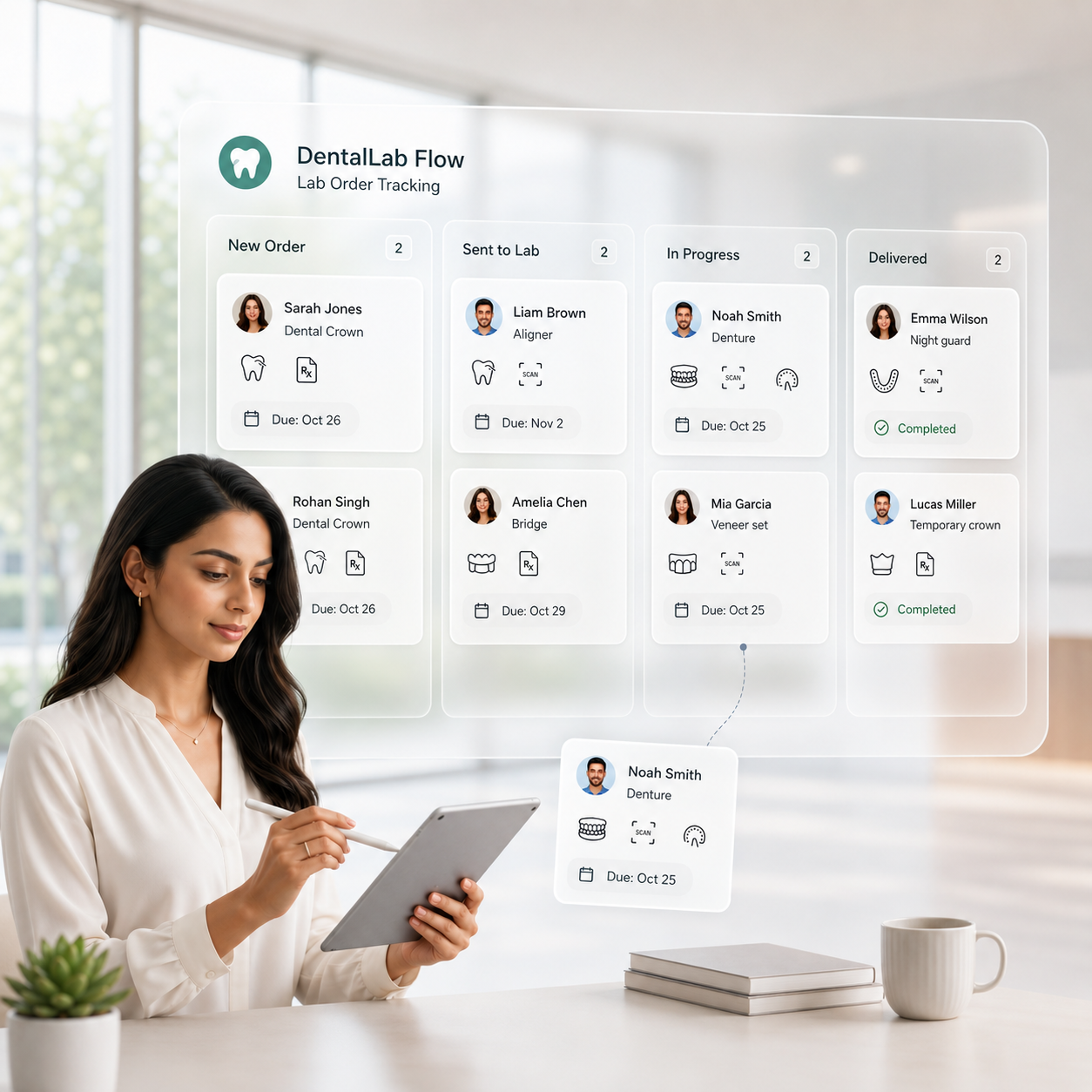
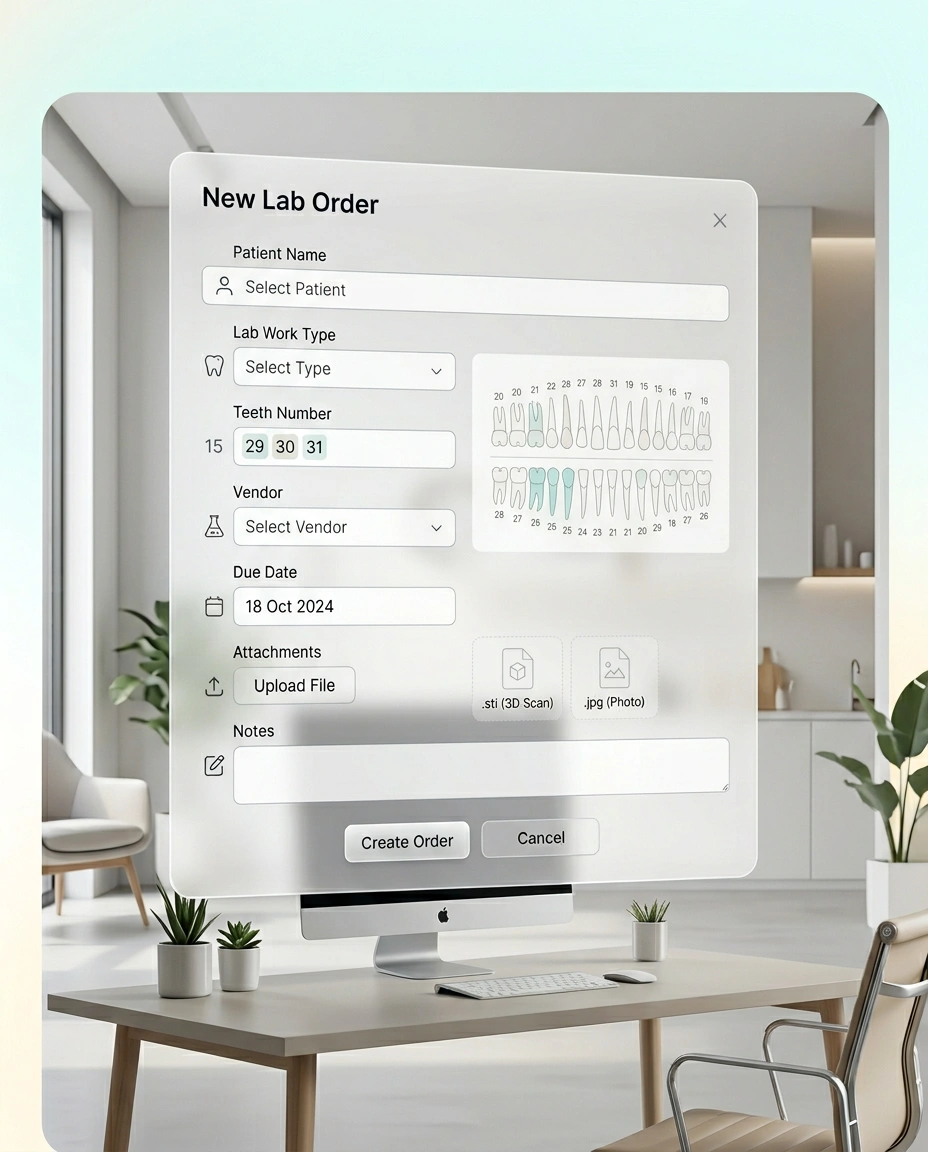
Lab Orders Creation

Send, track, and organize lab work from one screen.

Create lab orders using predefined test types and categories

Attach prescriptions, scans, consent forms, or reference files

Automatically link lab orders to the patient’s clinical timeline

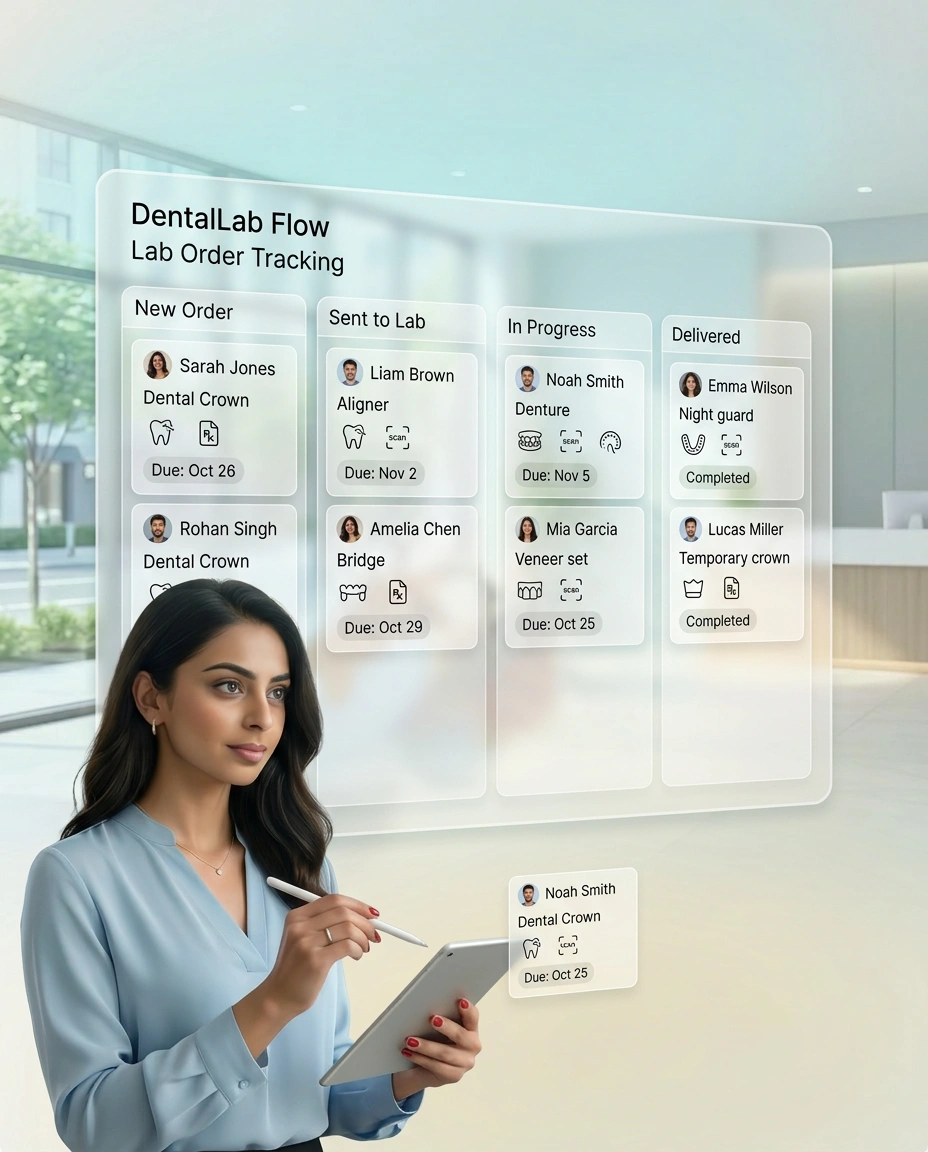
Real-time Vendor Status Tracking

Know where every lab order stands—without making a call.

Vendors can update order status through their portal or messaging

Track order progress through status stages and timeline view

Get alerts when reports are ready or delayed

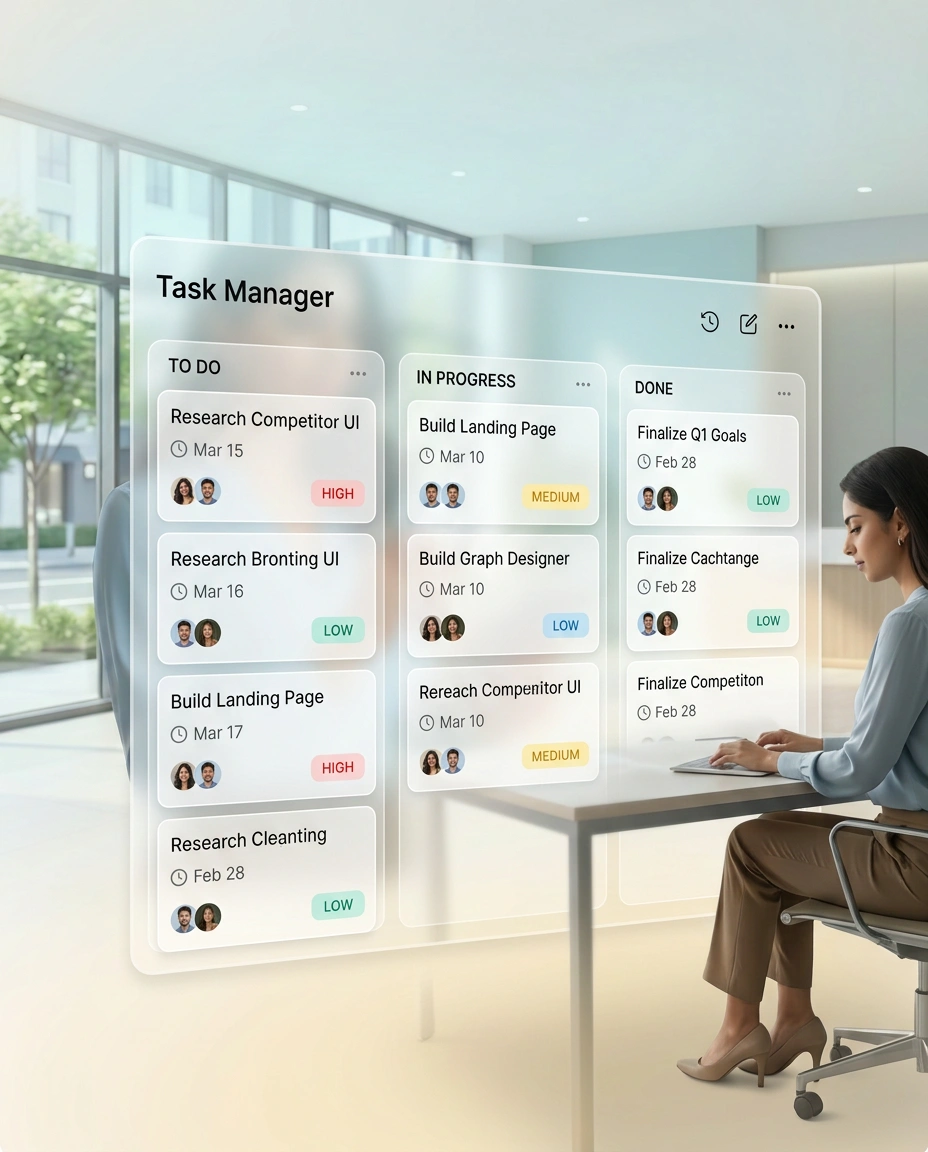
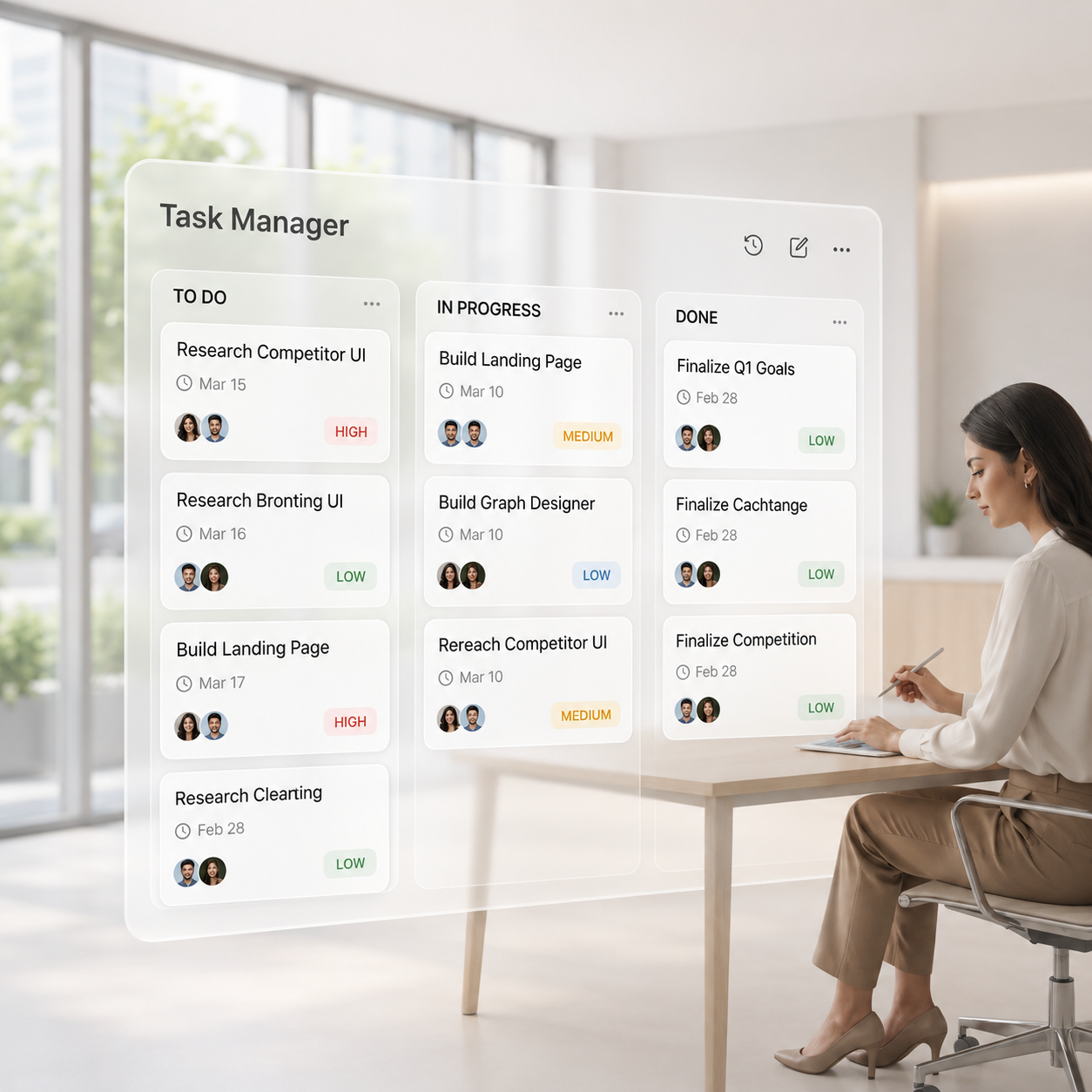
Task Manager with Deadlines & Priorities

Get the right things done—on time, every time.

Assign tasks to individuals or staff roles

Set deadlines, priorities, and urgency levels

Use board view to track tasks across To-Do, In Progress, and Done

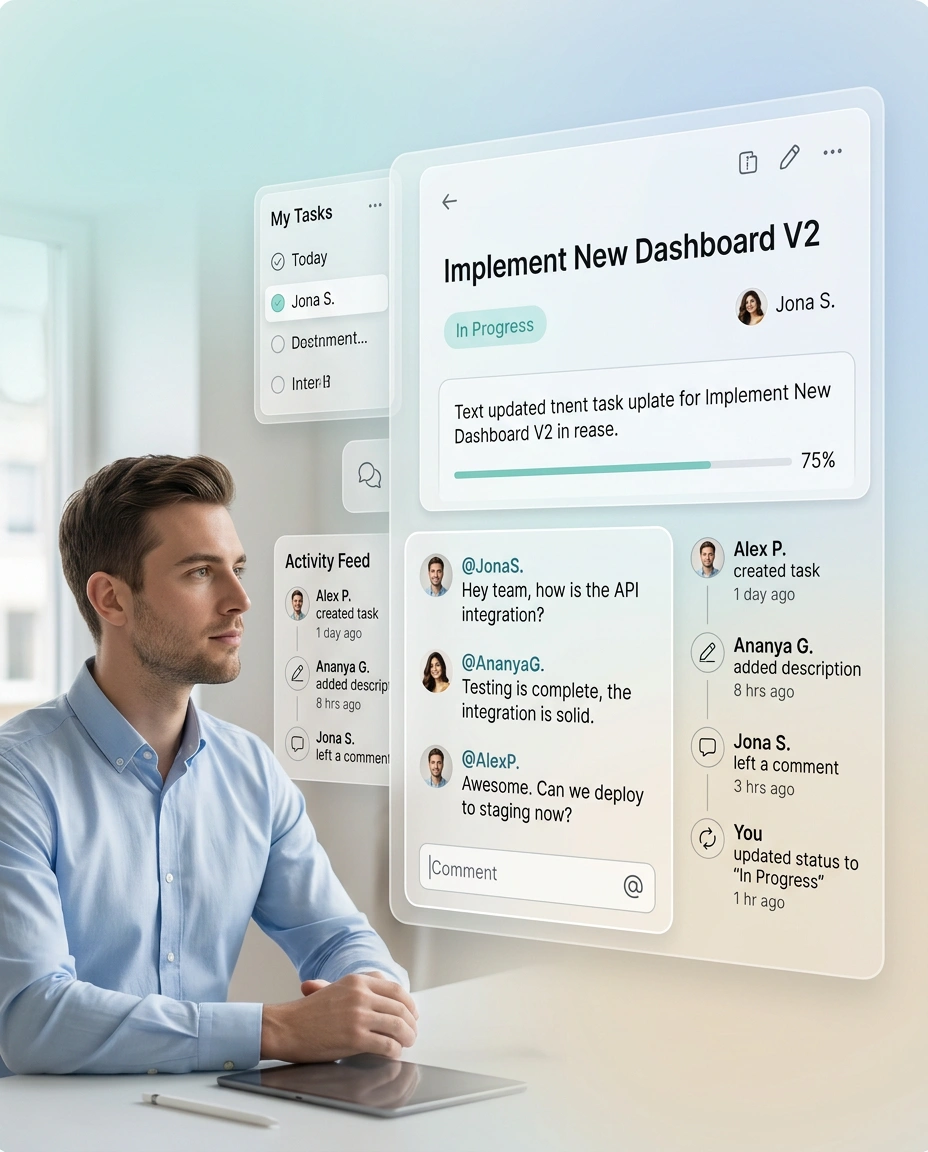
Progress Updates from Team Members

Keep everyone in the loop—without chasing updates.

Use progress logs and status badges to see what’s done, by whom, and when

Add comments and @mentions to clarify handoffs and keep context on the task

Review time-stamped activity history for accountability and visibility
Lab Orders Creation

Send, track, and organize lab work from one screen.

Create lab orders using predefined test types and categories

Attach prescriptions, scans, consent forms, or reference files

Automatically link lab orders to the patient’s clinical timeline

Real-time Vendor Status Tracking

Know where every lab order stands—without making a call.

Vendors can update order status through their portal or messaging

Track order progress through status stages and timeline view

Get alerts when reports are ready or delayed

Task Manager with Deadlines & Priorities

Get the right things done—on time, every time.

Assign tasks to individuals or staff roles

Set deadlines, priorities, and urgency levels

Use board view to track tasks across To-Do, In Progress, and Done

Progress Updates from Team Members

Keep everyone in the loop—without chasing updates.

Use progress logs and status badges to see what’s done, by whom, and when

Add comments and @mentions to clarify handoffs and keep context on the task

Review time-stamped activity history for accountability and visibility
Still stuck with outdated clinic software?

You don’t have to settle for tools that slow you down. Switch to Hypha and give your team a platform that’s actually built for them.

Book Free Demo
FAQ

Most asked questions

How are lab orders placed and tracked?
Clinics can create lab tasks with details like category, vendor, and due date. Vendors or staff can update the status in real time.
Can we assign internal tasks to team members?
Yes. You can create, assign, and track tasks with deadlines and stages using a built-in Kanban-style task manager.
Can we set checklists for routine workflows?
Absolutely. You can create customizable checklists (e.g., surgery prep, discharge flow) to standardize team execution.